
AI 3D comparison

Meshy vs Hunyuan for AI 3D Models

This meshy vs hunyuan comparison looks past headline claims and focuses on the decisions that affect real projects: total cost, output quality, generation time, and when switching tools makes sense.

Comparison of AI-generated 3D model workflows

Cost structure

Where quality differs

Both tools can turn visual ideas into usable starting points, but the most useful comparison is how much work remains after generation.

Meshy

Top pick

Best for a guided path from prompt or image to a presentation-ready 3D starting asset.

Works well

  • Hosted workflow reduces installation and environment-management work.
  • Accessible controls make it easier to iterate on prompts, images, and materials.
  • Useful for concept art, game prototyping, product visualization, and rapid asset exploration.
  • A practical choice when team members have mixed technical backgrounds.

Trade-offs

  • The workflow depends on an online service and its current access rules.
  • Highly specific topology or production constraints may still require manual cleanup.
  • Results can vary with prompt clarity, source-image quality, and subject complexity.
Hunyuan3D

Best for technically capable users who want more control over an open model workflow.

Works well

  • Local or self-managed use can support experimentation outside a hosted interface.
  • Developers can integrate model inference into custom pipelines when their environment is ready.
  • Greater control may help teams test repeatable workflows and deployment patterns.
  • A strong option for research-oriented users comparing model behavior directly.

Trade-offs

  • Installation, compatible hardware, dependencies, and model files add friction.
  • Output quality depends heavily on the selected checkpoint, settings, and local environment.
  • Texture, topology, rigging, and export cleanup may need additional tools or expertise.
  • Operational effort can outweigh the benefit for occasional users.

Side-by-side view

Where time differs

Generation speed is only one part of turnaround time. Setup, prompt iteration, downloads, cleanup, and export can determine which workflow feels faster from idea to usable asset.

Meshy Hunyuan3D
First-time setup Browser-based access with little technical preparation Environment setup, model files, dependencies, and hardware checks
Prompt or image iteration Fast feedback through a guided hosted workflow Flexible, but iteration depends on local configuration and inference speed
Infrastructure cost Service access cost and any applicable usage limits Hardware, storage, electricity, maintenance, or rented compute
Topology control Convenient defaults with cleanup often needed for production More room for technical experimentation, but not automatic production topology
Texture workflow Integrated tools can shorten the path from model to textured preview May require a separate texture or material workflow after generation
Pipeline integration Convenient for human-led asset creation and review Potentially stronger for custom engineering and self-managed automation
Learning curve Lower for artists, designers, and non-specialist teams Higher for users managing code, environments, and GPU resources
Best time-saving use Rapid concept exploration and polished visual iteration Repeated technical experiments inside an owned pipeline

Decision guide

When switching is worth it

Neither tool wins every project. Choose based on the bottleneck you need to remove, then test a representative asset before moving an entire pipeline.

or

Option 1

Choose Meshy when the team needs results without building an AI infrastructure stack.

Start with a prompt or reference image, compare several variations, and keep the strongest candidate for refinement.

The hosted workflow reduces setup time and makes experimentation easier for artists, designers, and generalist teams.

or

Option 2

Choose Hunyuan3D when local control, model experimentation, or custom integration is the main priority.

Set up a controlled environment, benchmark representative prompts, and document the settings that produce repeatable outputs.

The additional technical work can make sense when the team already has suitable hardware and engineering support.

or

Option 3

Keep both available when different projects have different constraints.

Use Meshy for quick ideation and review, then evaluate Hunyuan3D for experiments that justify local control or pipeline ownership.

A staged approach avoids switching for theoretical advantages while preserving an escape route when a workflow reaches a real limitation.

Workflow examples

Three practical comparison outcomes

These scenario cards show the kind of result each workflow can support without pretending that one model is universally better.

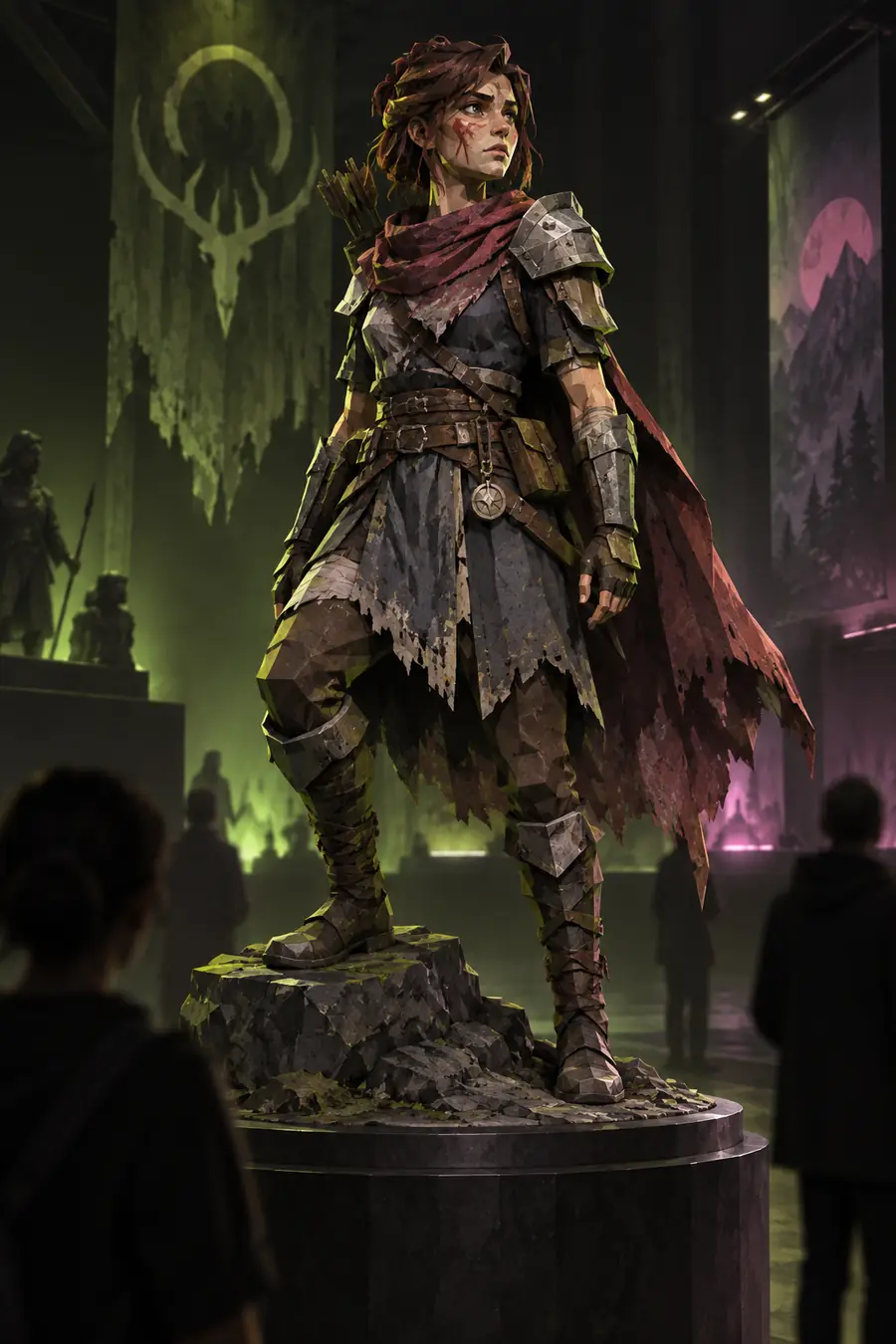
Textured low-poly game character model Concept exploration

Game concept artist

“I need several readable forms quickly, then I can select one direction for a proper modeling pass.”

Primary result

Rapid visual iteration

Color-separated 3D creature model Pipeline research

Technical artist

“The value is not only the first mesh; it is the ability to test the model inside a controlled pipeline.”

Primary result

Custom workflow control

Marble bust with miniature city concept Product visualization

3D product designer

“A strong preview is useful when the goal is to communicate shape and direction before detailed production.”

Primary result

Presentation-ready concept

Next step

Test the workflow on your own asset

A short side-by-side test is more useful than a generic winner. Use the same prompt or reference image, inspect topology and materials, record the time to a usable result, and choose the workflow that removes your actual bottleneck.

  • Use one representative subject
  • Compare cleanup effort, not only the preview
  • Keep the workflow that fits your team
Test a 3D workflow

Comparison FAQ

Comparison FAQ

These answers focus on the practical questions people ask when deciding between Meshy and Hunyuan3D.

There is no universal winner. Meshy is generally the more approachable choice for a hosted, guided workflow, while Hunyuan3D is more compelling for technical users who want local control or custom integration.

An open model may be available without a conventional hosted subscription, but running it can still involve GPU hardware, rented compute, storage, setup, and maintenance costs. Compare total operating cost rather than treating the model download as the whole price.

Quality depends on the subject, prompt, reference image, settings, and the cleanup standard you need. Meshy can provide a smoother guided path to a useful visual asset, while Hunyuan3D may suit experiments where the user wants more direct control over the generation environment.

Meshy is usually faster to begin with because the hosted workflow removes installation and environment preparation. Hunyuan3D can become efficient for a technically prepared team, but its first-use time includes setup and troubleshooting.

Switch when you have a specific reason, such as local execution, pipeline integration, or a recurring output limitation that Hunyuan3D may address. If the current workflow already delivers acceptable assets and saves setup time, changing tools may add more work than value.

Start creating
Start creating