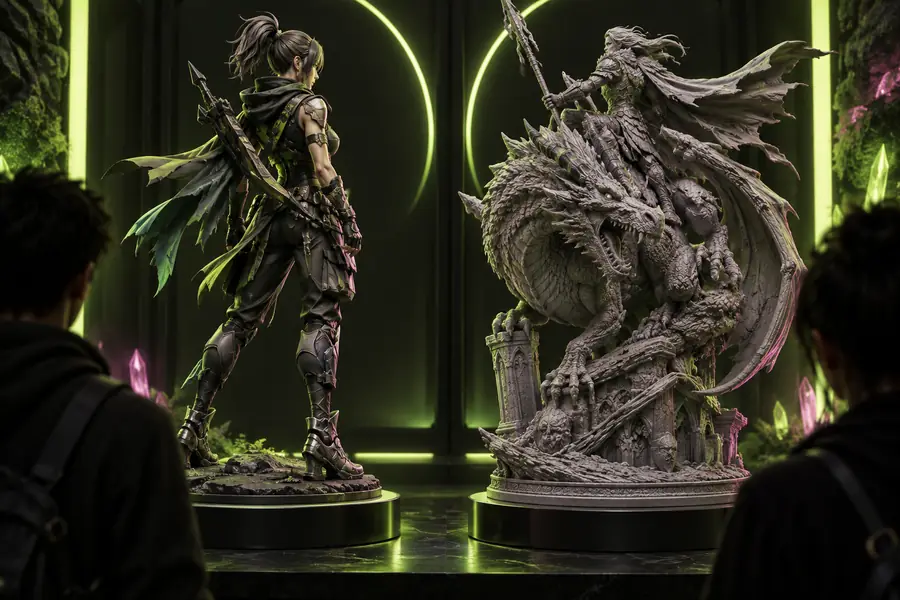
3D tool comparison

meshy vs 3daistudio: Choose by workflow

The right answer in meshy vs 3daistudio depends less on a universal winner and more on how you create, refine, and export 3D assets. This guide compares the two around real project scenarios.

Comparison of Meshy and 3D AI Studio workflows

Scenario picks

Three real scenarios, one pick each

A tool can be excellent in one situation and awkward in another. These scenario-based picks make the comparison more useful than a single overall score.

Meshy

Top pick

Pick Meshy for a direct text-to-model or image-to-model workflow.

Works well

  • Focused interface for turning a concept into a starting 3D asset.
  • Useful for creators who want to move quickly from reference to editable output.
  • A natural fit for game props, character concepts, mockups, and visual prototypes.

Trade-offs

  • Generated geometry may still need topology, scale, and detail cleanup.
  • A simple prompt does not guarantee production-ready results.

3D AI Studio

Pick 3D AI Studio when broad concept testing is the main goal.

Works well

  • Helpful for comparing different creative directions before choosing one.
  • Can suit users who prefer a more exploratory, multi-step ideation process.
  • Useful when the first output is a discussion point rather than a final asset.

Trade-offs

  • More experimentation can create extra review and selection work.
  • The ideal output may require additional refinement before it enters a production pipeline.

Either, with validation

Pick either tool for early-stage ideas, but validate before manufacturing or release.

Works well

  • Both can shorten the distance between a written idea and a visual 3D reference.
  • Both are useful when the team expects iteration rather than a perfect first result.
  • Both can support faster conversations between artists, designers, and stakeholders.

Trade-offs

  • Neither replaces an experienced 3D artist for every asset type.
  • A preview that looks convincing may still fail technical requirements.

Capability matrix

Capability matrix

This side-by-side view separates the practical strengths of each platform from assumptions that should be tested on your own prompts and assets.

Meshy 3D AI Studio
Primary strength Focused 3D asset generation from text and image references Broader AI-assisted concept exploration
Best project stage From initial concept to a usable model draft Early ideation and direction testing
Workflow feel Purpose-built and comparatively direct Exploratory, with more room for creative variation
Prompt sensitivity Benefits from clear object, style, material, and camera details Benefits from testing several descriptions and creative directions
Output expectation A 3D starting point that can be refined for a target use A concept output that may need selection and further development
Production readiness Requires inspection and cleanup before dependable production use Requires inspection, cleanup, and pipeline testing before production use
Ideal user Indie developers, designers, hobbyists, and 3D beginners Creators who value breadth while exploring visual possibilities
Main tradeoff Less control than manual modeling or specialist tools More flexibility can mean more decisions and refinement time

Decision guidance

Shared pitfalls before you choose

The biggest mistakes happen when a visually appealing preview is treated as proof that the asset is finished, compatible, or ready to print.

or

Option 1

You judge only the first render

Test two or three prompt variations and inspect the model from multiple angles.

A strong front view can hide broken silhouettes, weak backsides, floating details, or inconsistent proportions.

or

Option 2

You skip the target pipeline

Export a sample and test it in the exact engine, slicer, or DCC application you plan to use.

File support, scale, normals, materials, texture paths, and polygon density can change the result.

or

Option 3

You expect text alone to specify everything

Describe the subject, pose, proportions, materials, style, and intended use in separate prompt details.

Both Meshy and 3D AI Studio interpret ambiguity, so vague prompts create more cleanup and less repeatability.

Honest caveats

Our tradeoff

The most defensible choice is not the tool with the flashiest demo; it is the one whose weaknesses fit your tolerance for editing, testing, and iteration.

1

Neither guarantees clean topology

AI-generated meshes can contain dense areas, uneven surfaces, hidden artifacts, or geometry that is difficult to edit.

What to do instead

Retopologize or simplify the model in your normal 3D software before animation, game deployment, or fabrication.

2

Neither understands every production constraint

A prompt may not communicate exact dimensions, joint tolerances, rigging needs, UV rules, or engine-specific requirements.

What to do instead

Write a short technical checklist and verify each requirement after export.

3

Visual quality is not consistency

A single attractive model does not prove that the same prompt style will produce reliable results across a whole asset library.

What to do instead

Run a small batch test using representative subjects before standardizing a tool.

4

Speed can move the bottleneck

Generating a draft faster may leave more time-consuming work in cleanup, material correction, scaling, or asset organization.

What to do instead

Measure the full path from prompt to approved asset instead of timing generation alone.

Ready to test

Turn the comparison into a small experiment

Choose one representative asset, use the same brief, and compare the two workflows from prompt to approved export. A short, repeatable test will reveal which tradeoff suits your team better than a generic winner ever could.

  • Use the same subject and reference quality for both trials.
  • Check the model, materials, scale, and export in your real pipeline.
  • Record cleanup time, not just generation time.
Test a 3D idea

Comparison FAQ

Comparison FAQ

The short answer depends on what you mean by better: faster asset creation, broader exploration, or less downstream correction.

Meshy is generally the better fit for a focused 3D asset workflow, especially when you want to move from a prompt or image toward a model draft. 3D AI Studio may be the better choice when broader concept exploration matters more than a direct path to one asset.

Meshy can provide a useful starting point for production work, but production readiness still depends on topology, scale, materials, UVs, and the destination pipeline. Treat the generated model as a draft to validate and refine rather than a guaranteed final asset.

3D AI Studio can make sense when your priority is exploring several visual directions before selecting one. If experimentation creates too many candidates to clean up, a more focused Meshy workflow may be more efficient.

Neither tool replaces skilled 3D judgment in every project. Both can accelerate ideation and create starting assets, while an artist may still be needed for modeling decisions, cleanup, rigging, materials, optimization, and final approval.

Start creating
Start creating